ConfigBid / Example
One example: a garage door company
This is ConfigBid set up for a made-up garage door company, with made-up customers and prices. It’s here so you can see what a finished setup looks like for one real kind of business. Yours would ask your questions, use your prices, and carry your logo and colors.
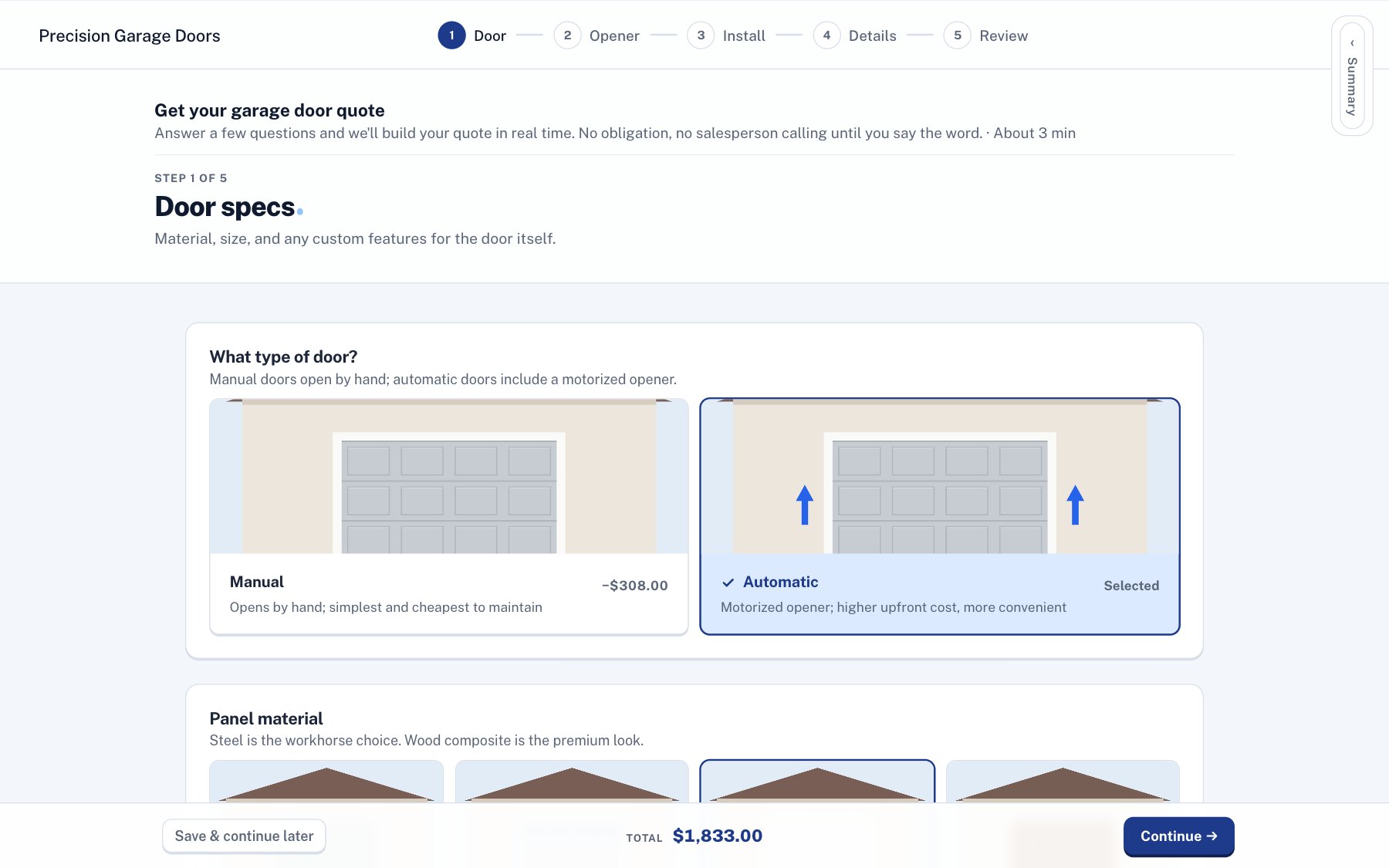
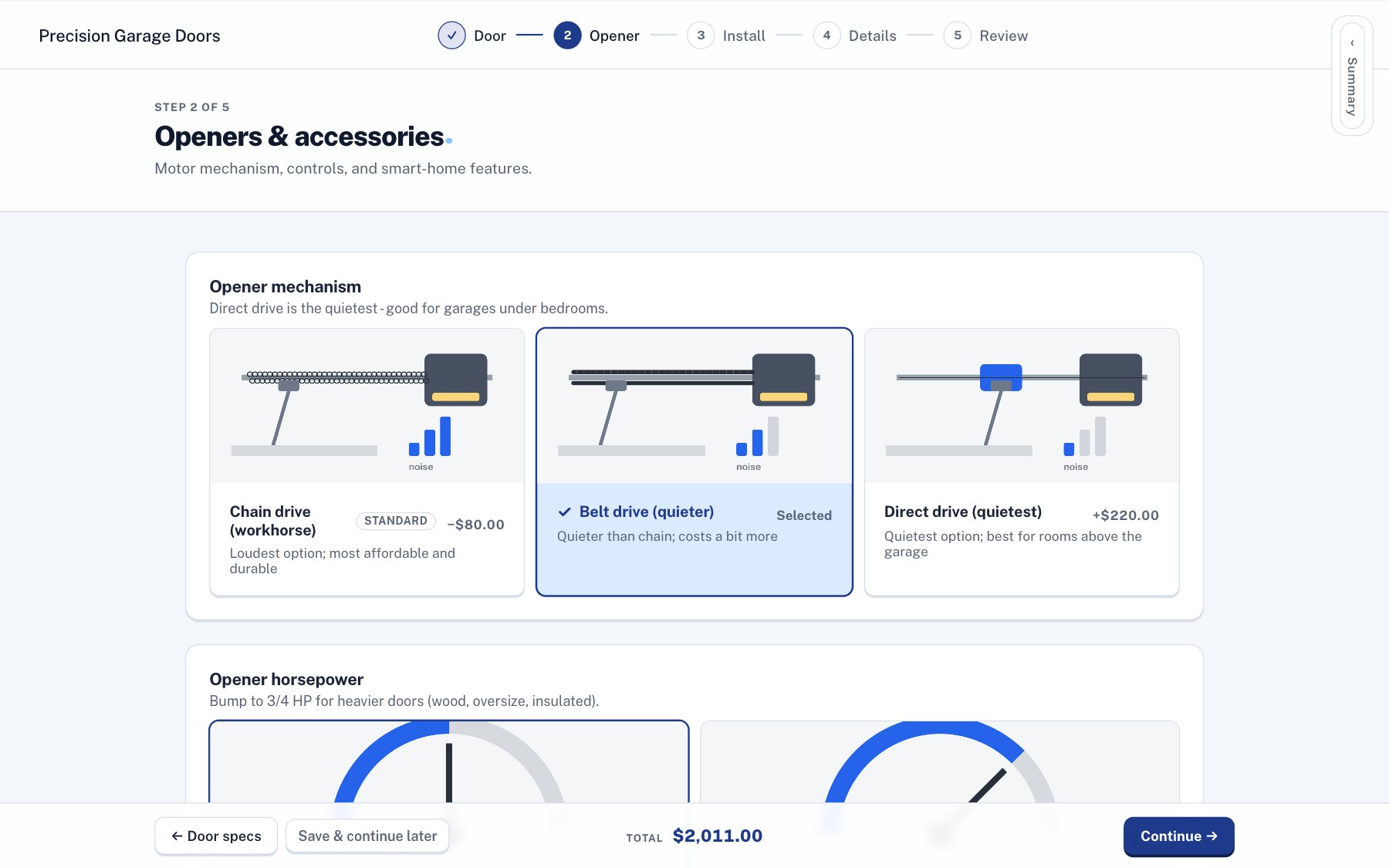
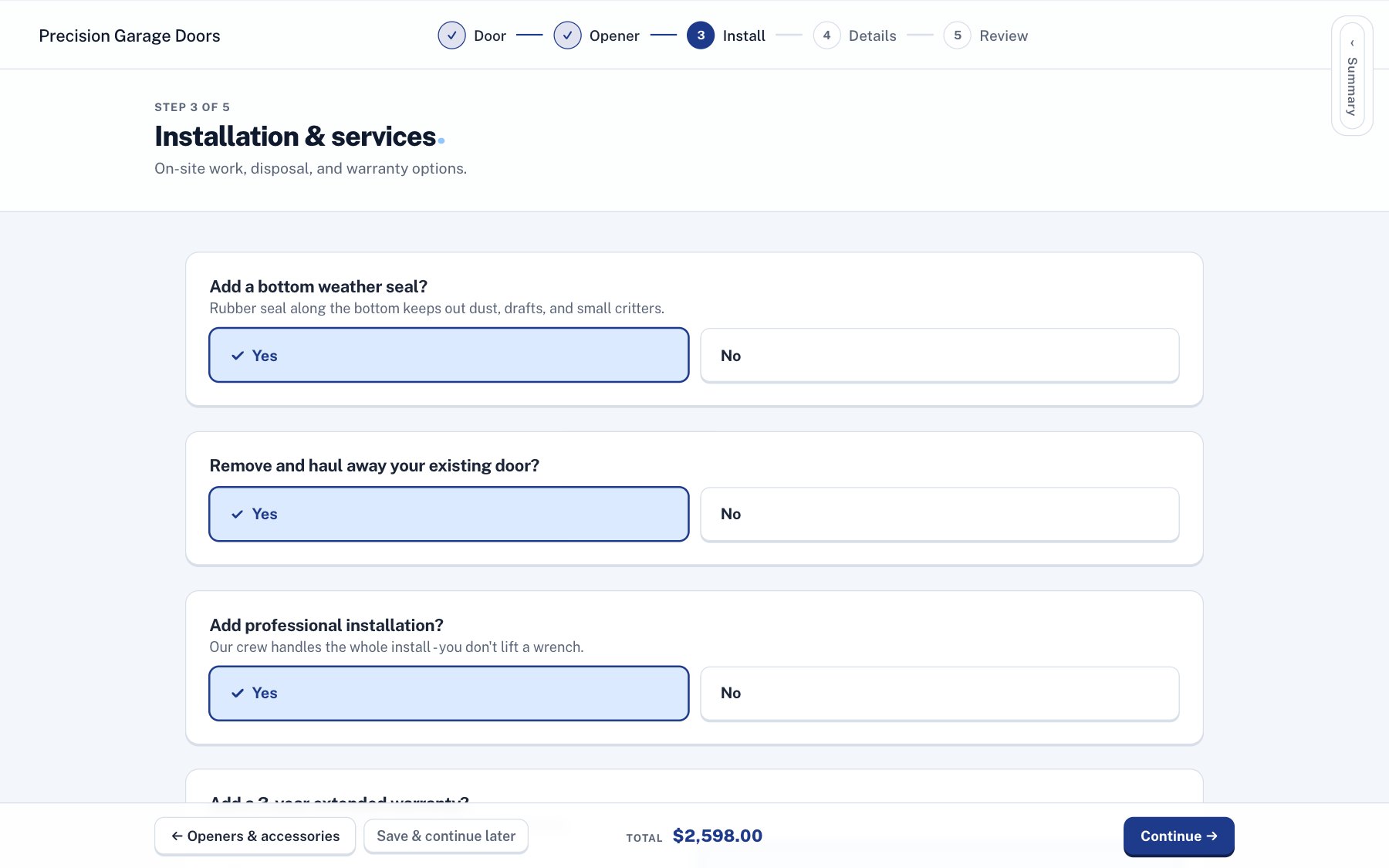
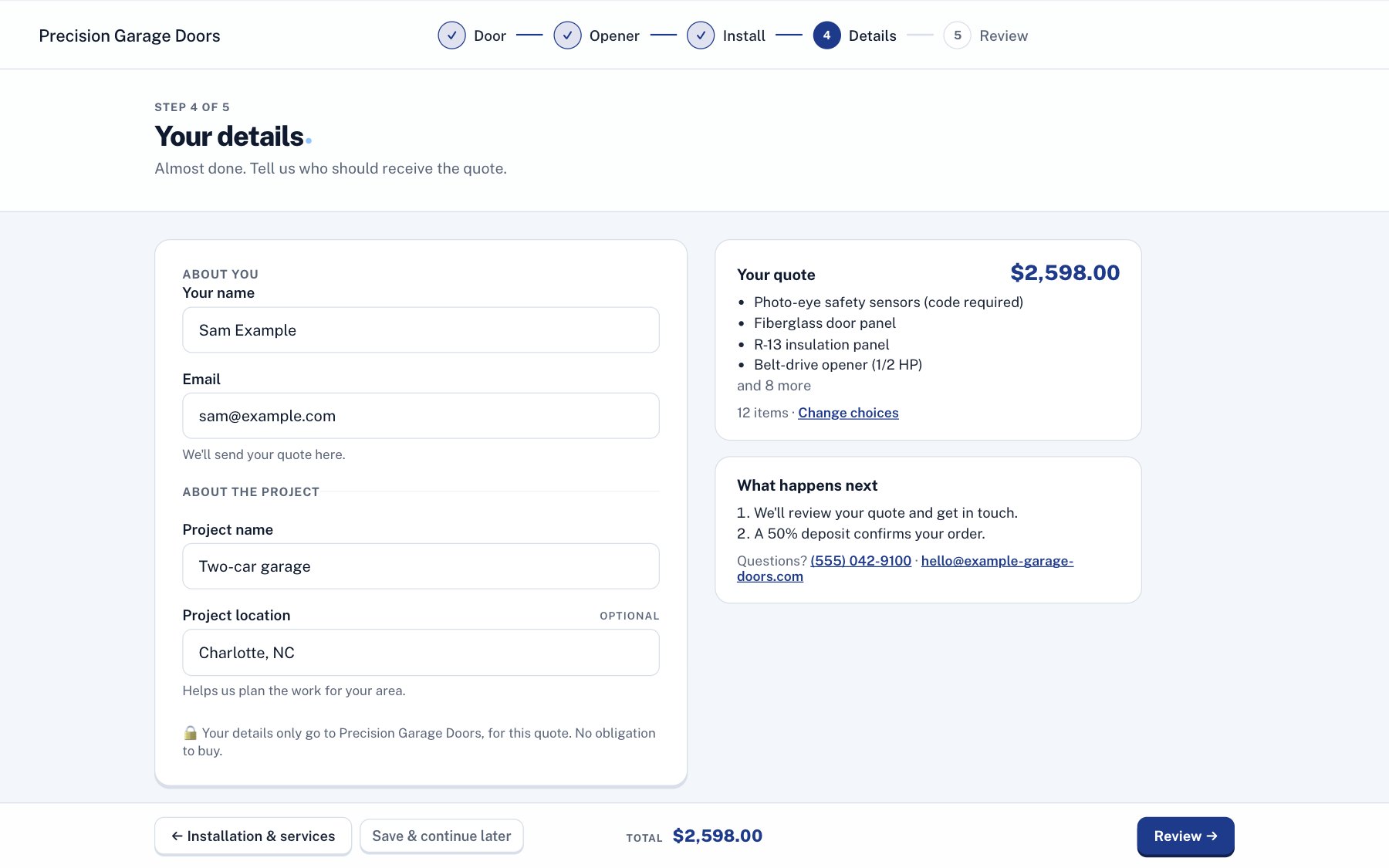
Questions that fit the job
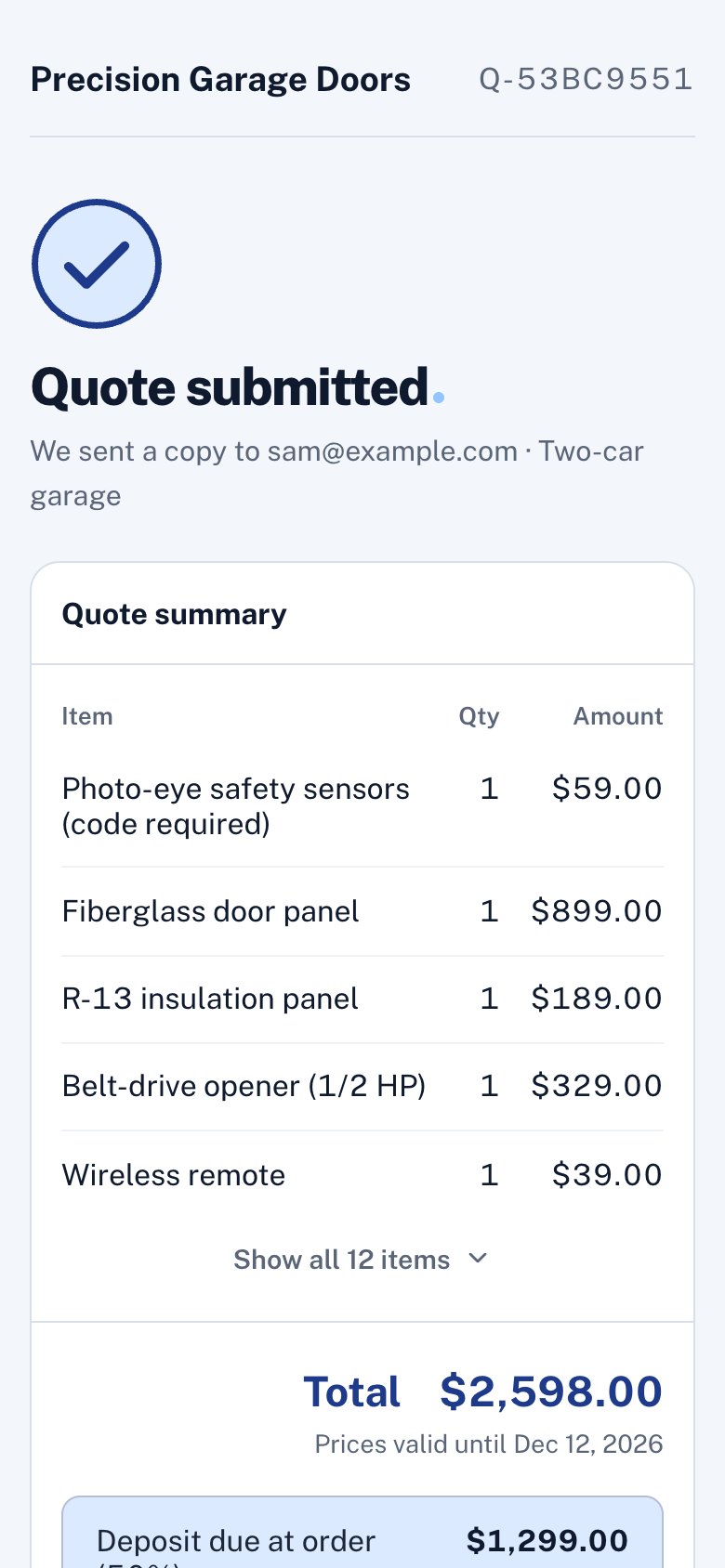
Opener questions only show up for automatic doors. Each option shows what it adds, and the total stays at the bottom of the screen.
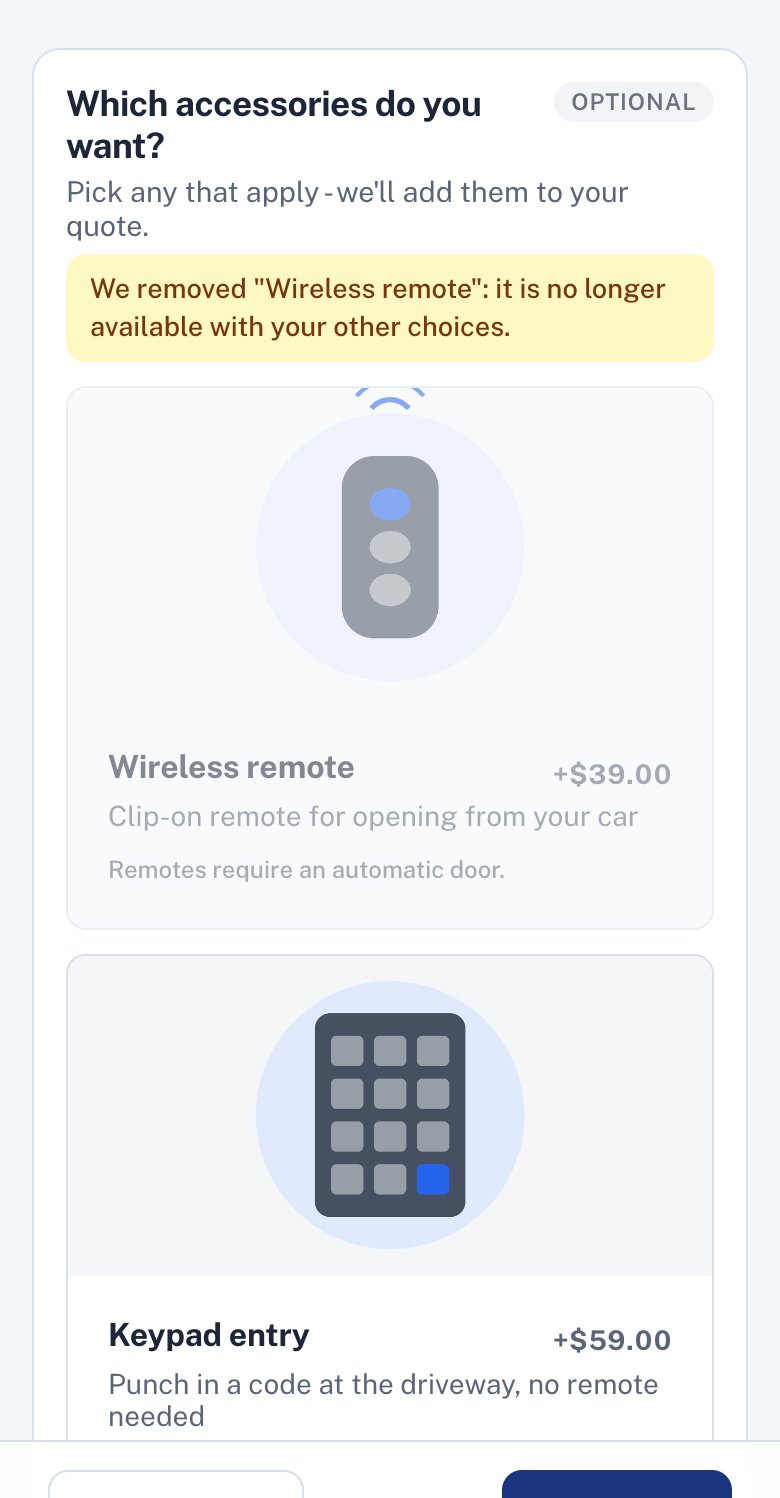
In the second screenshot, the customer picked a remote and then switched to a manual door. The remote came off the quote with a note saying why, and the options that don’t work with a manual door are greyed out.
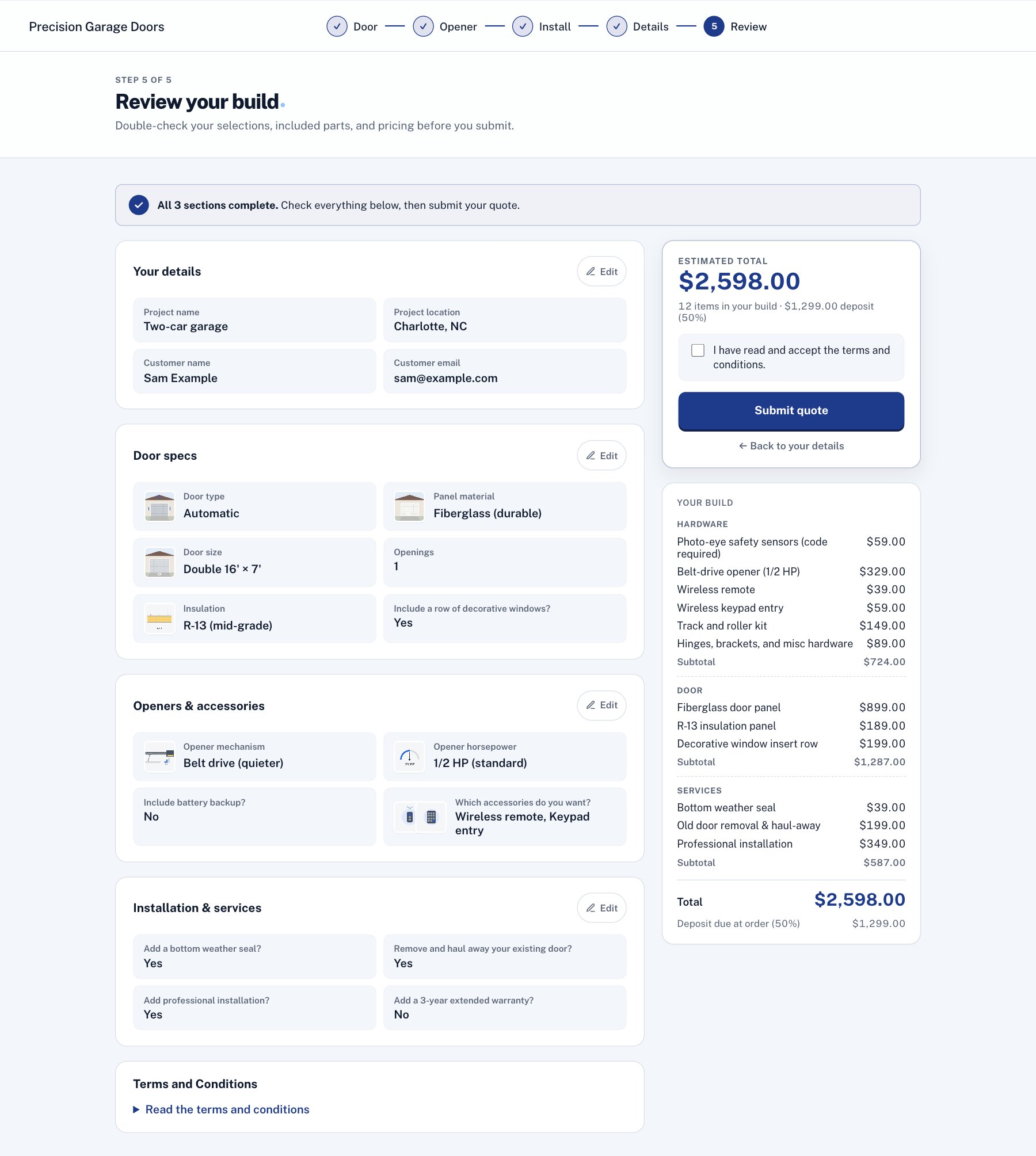
The review before sending
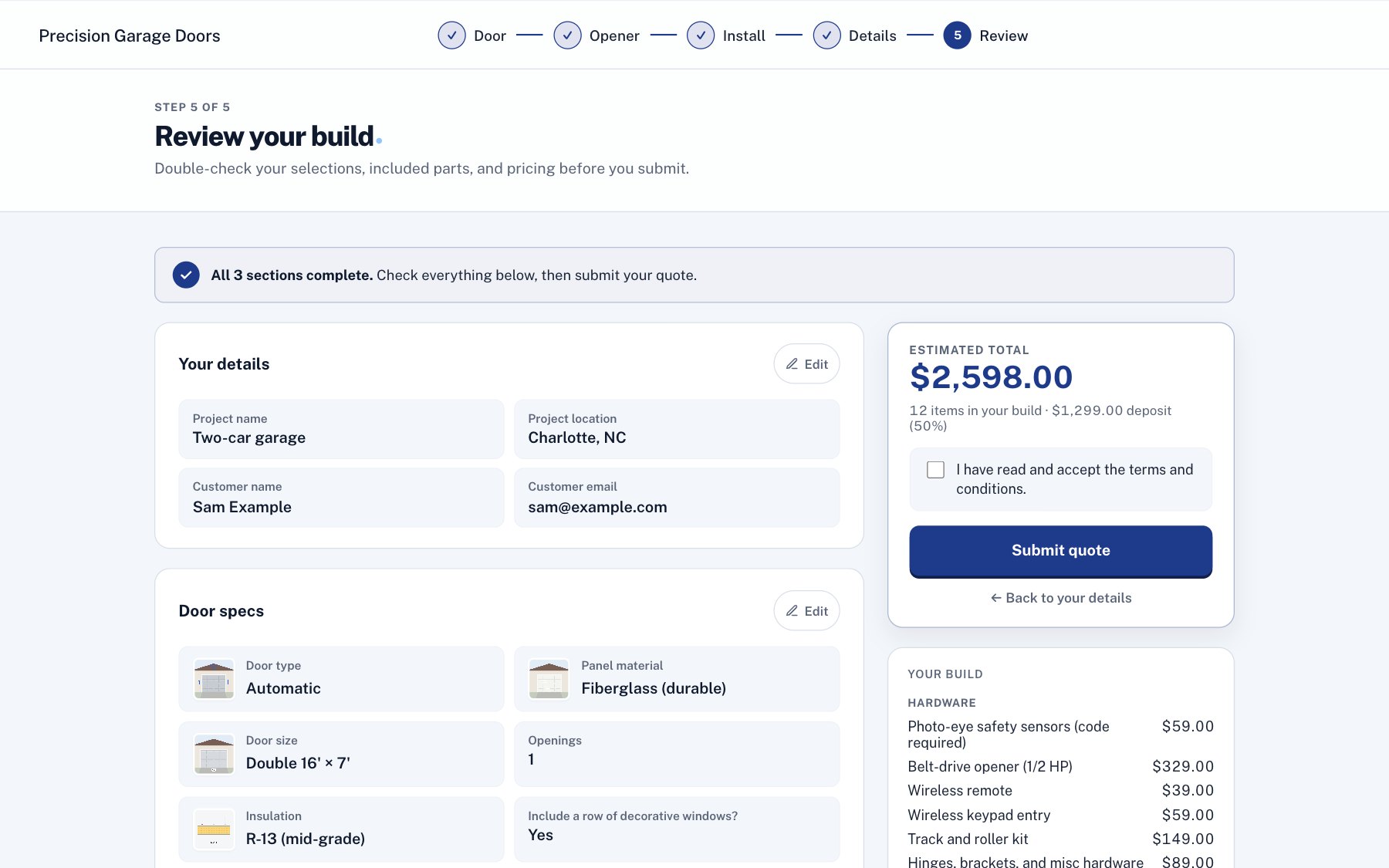
Every answer, an Edit link for each step, and the total. Then the terms and Submit.
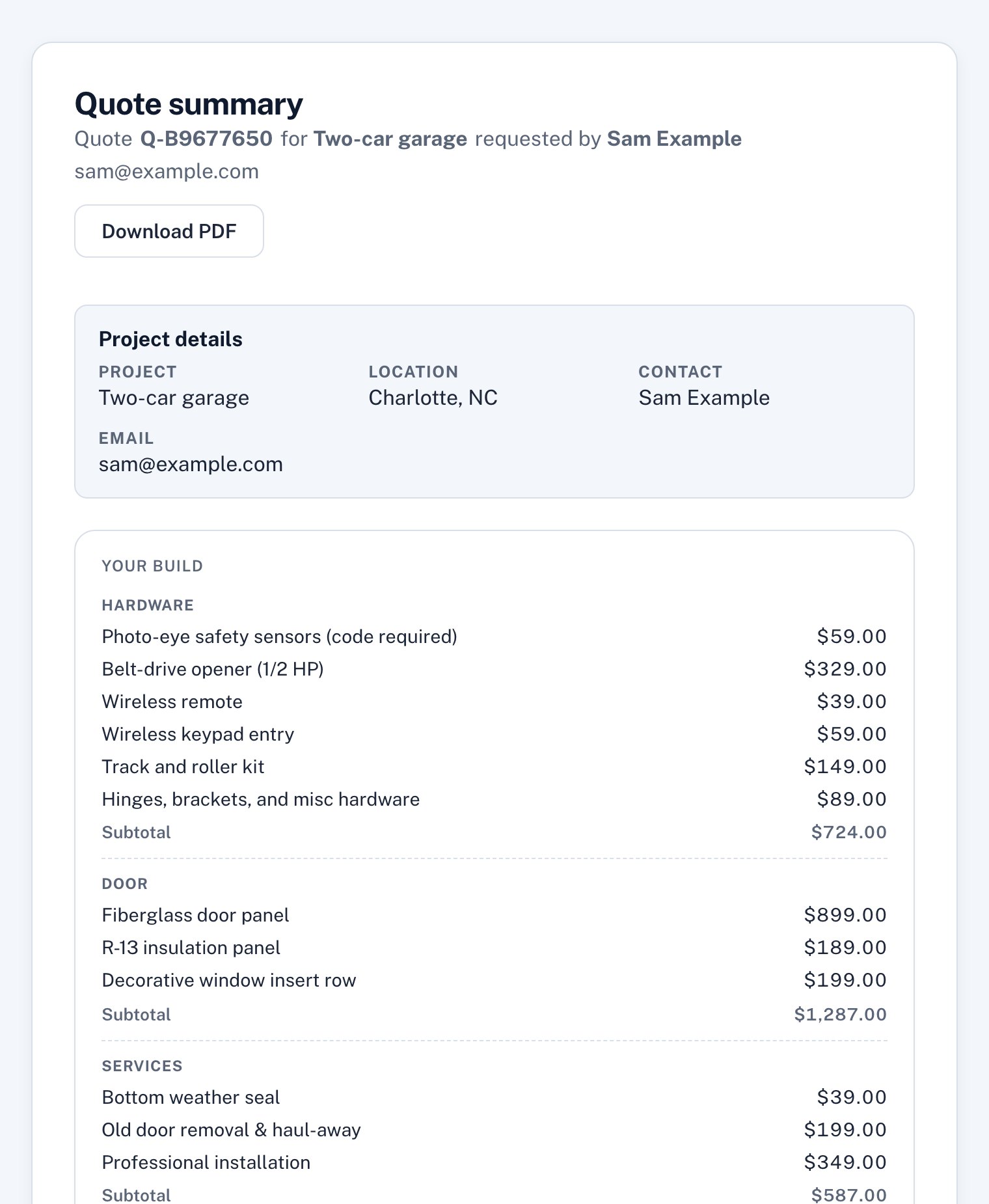
The customer’s copy
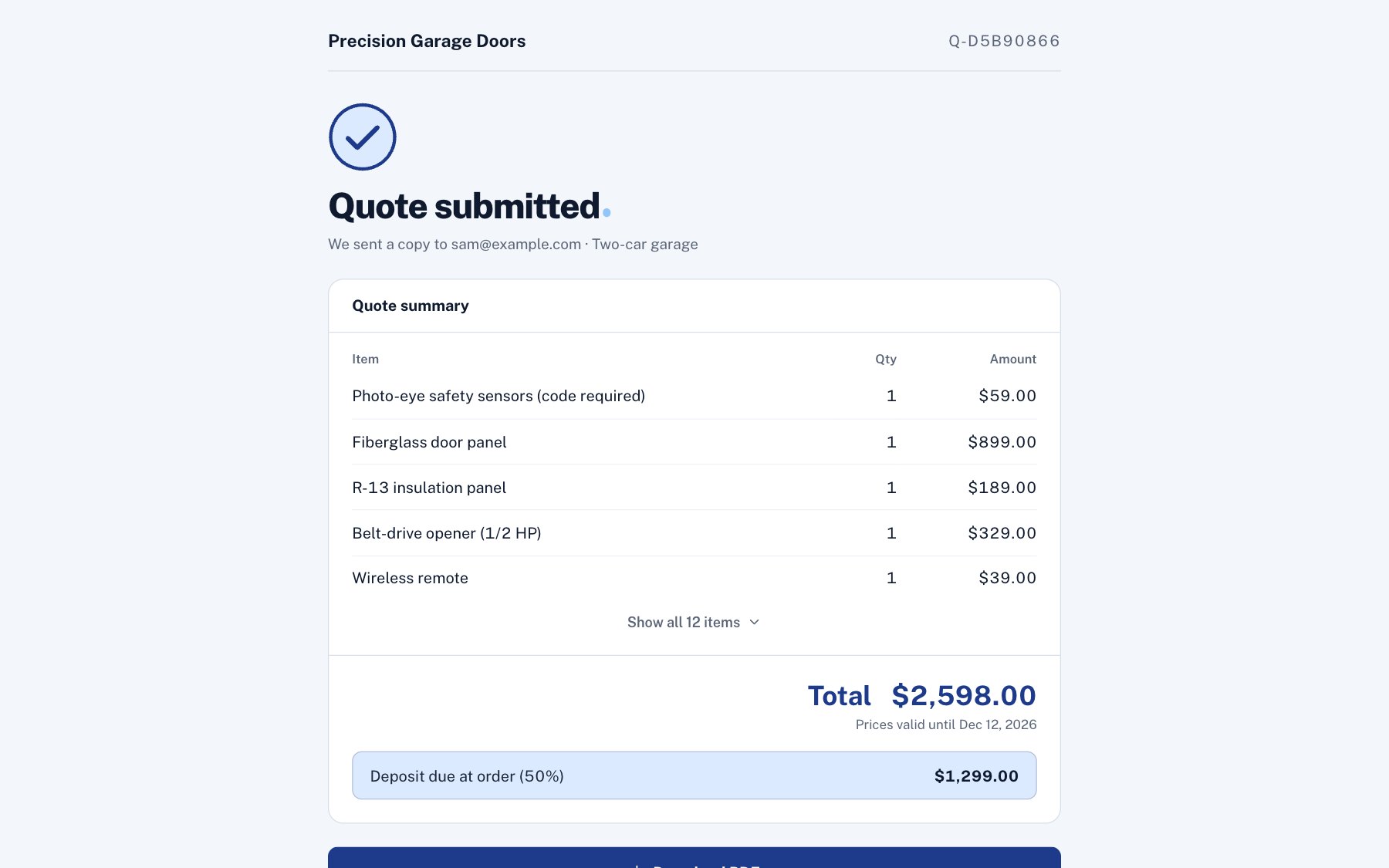
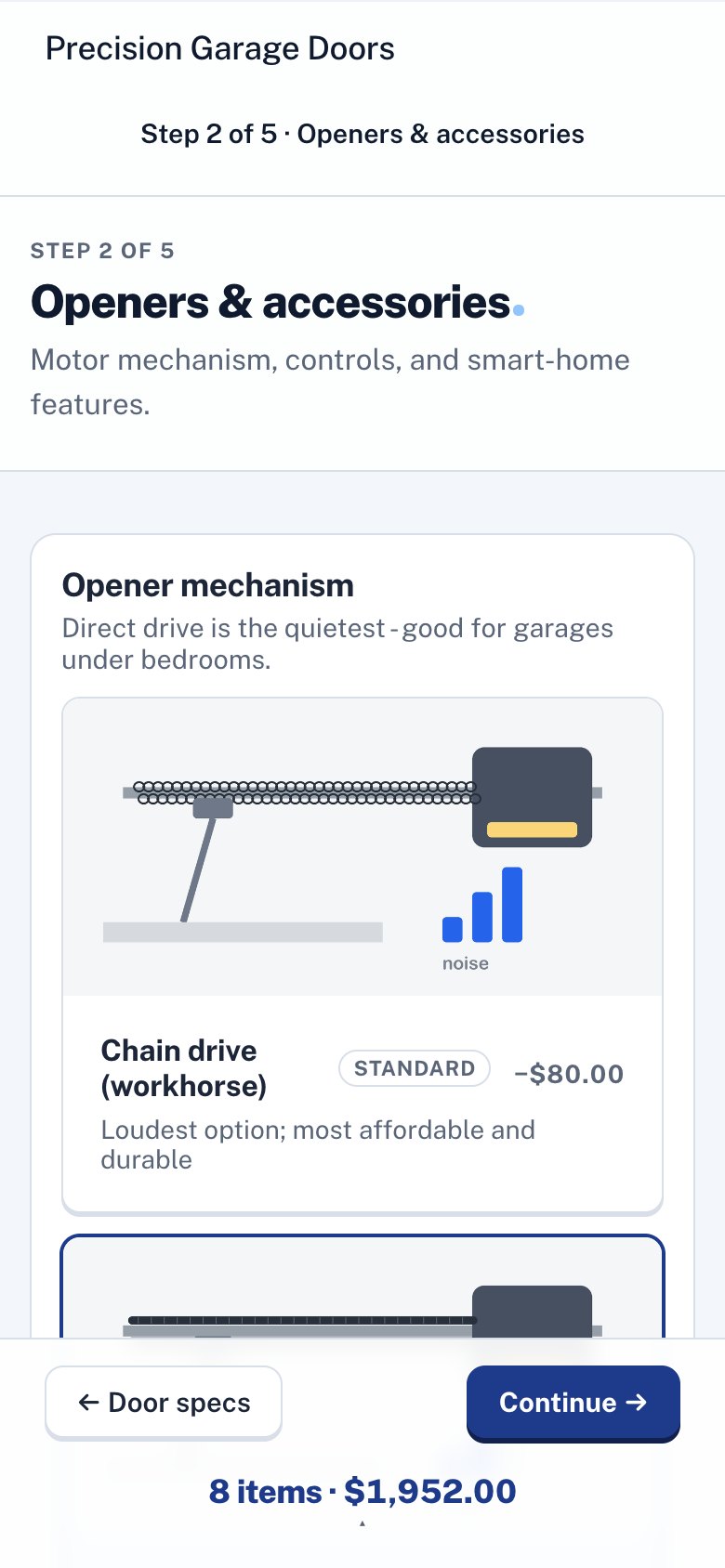
A confirmation email and a page with every line of the quote, plus a PDF. The door panel, the hardware, the opener, the installation: all listed with their prices. When they’re ready, they accept the quote on that page by typing their name.
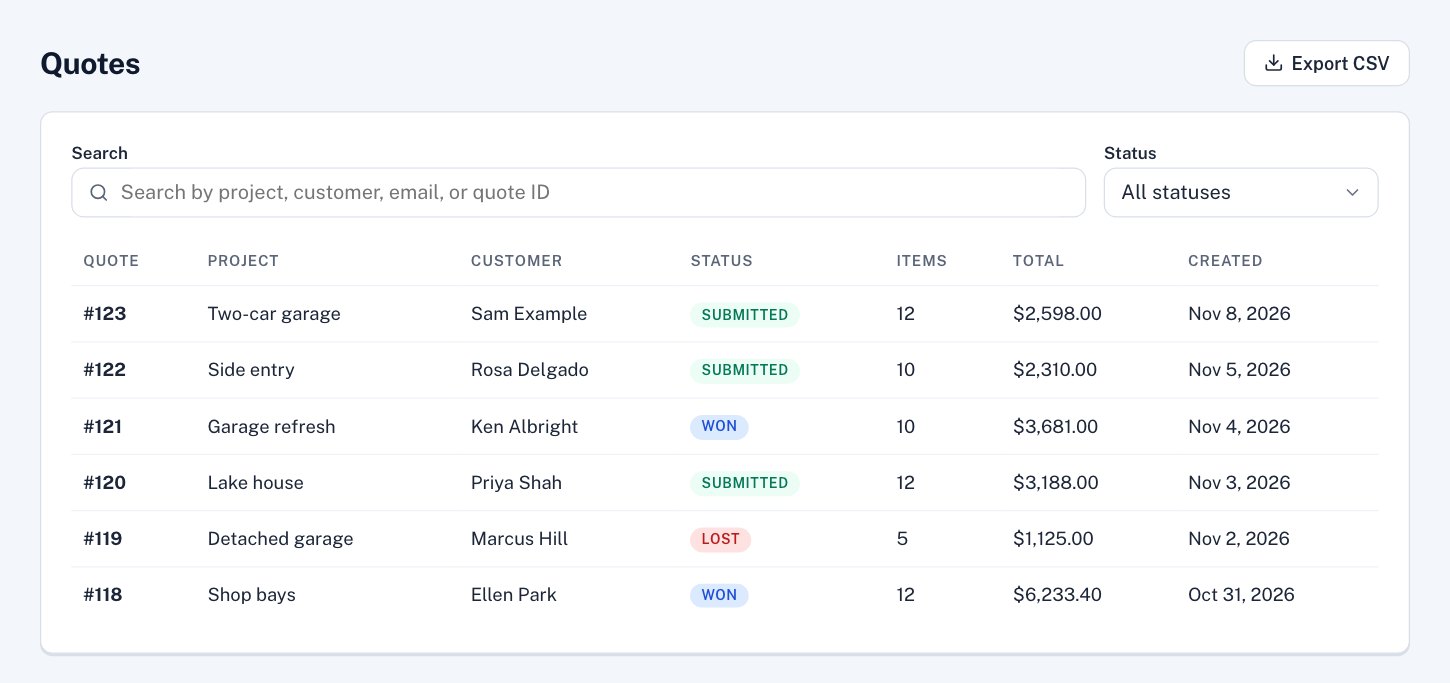
What the business sees
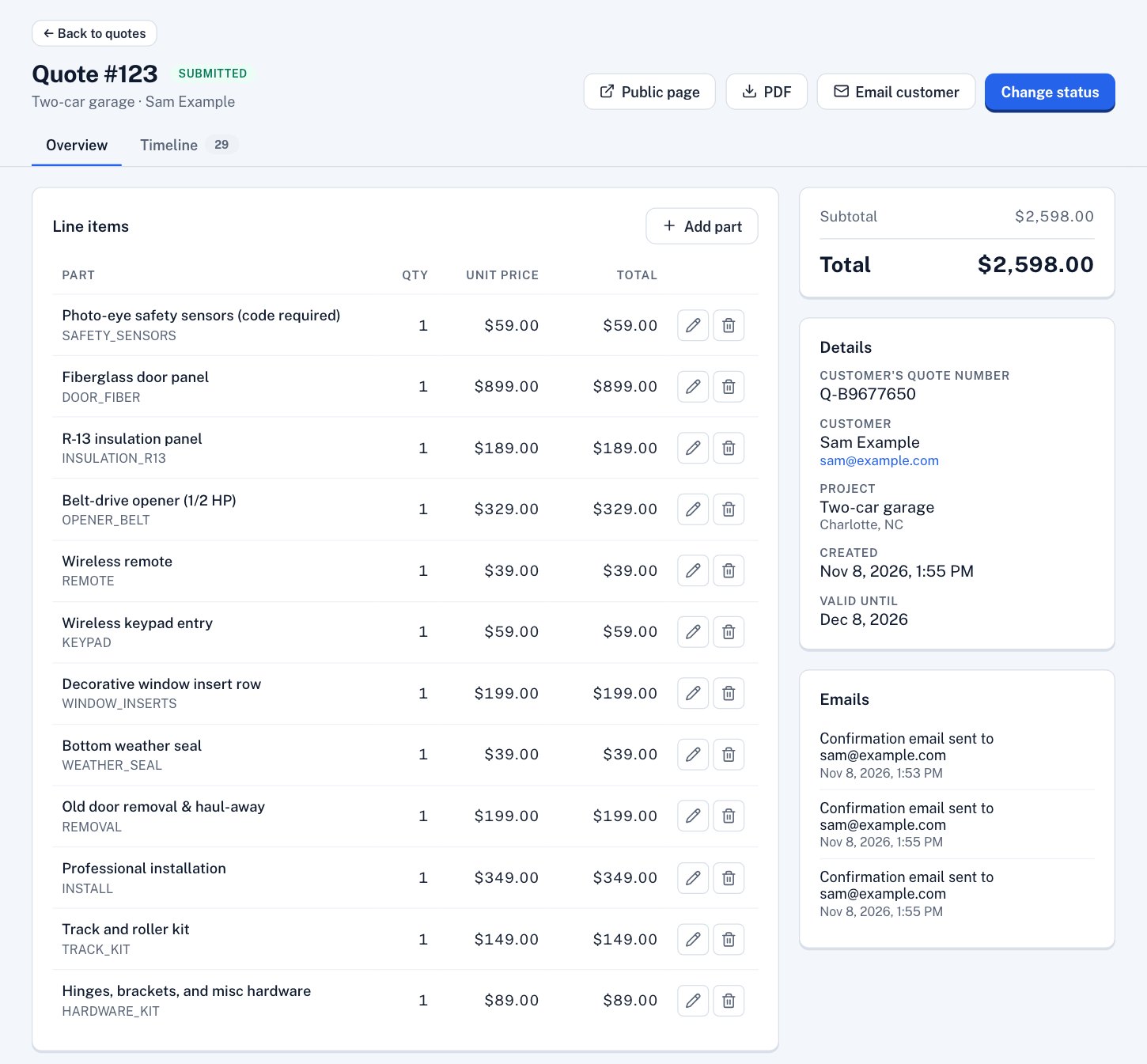
Each quote lands in the list with the customer’s details and everything they picked. Open one to change a line, add a credit, or mark it won or lost.
The rules behind it
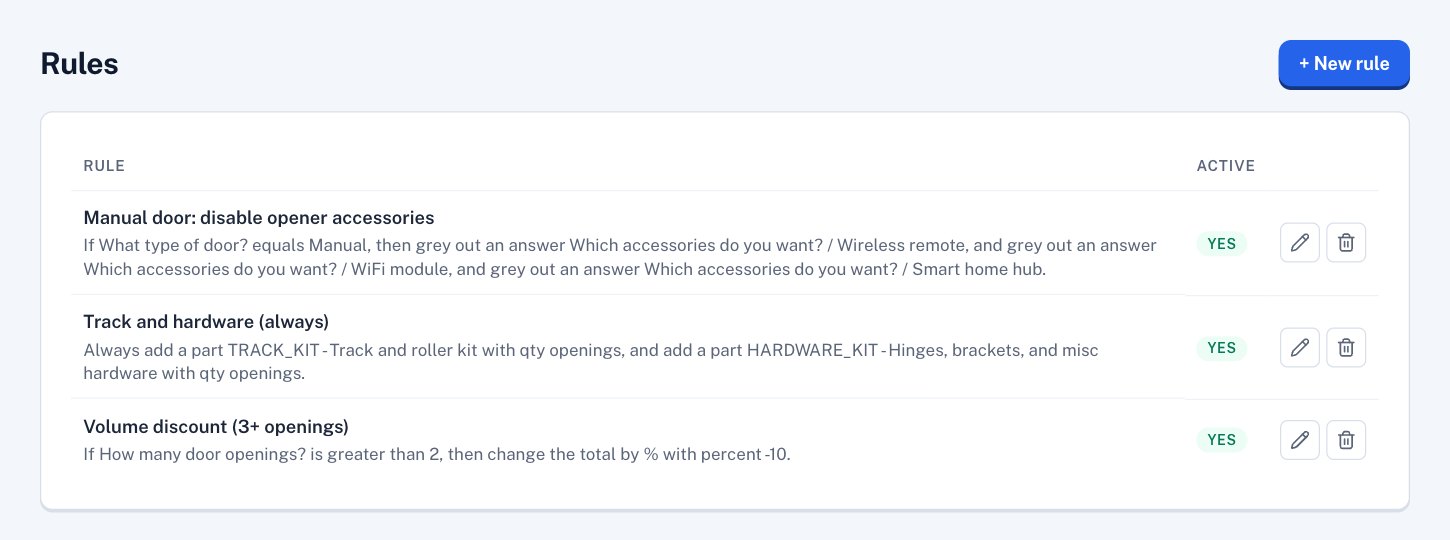
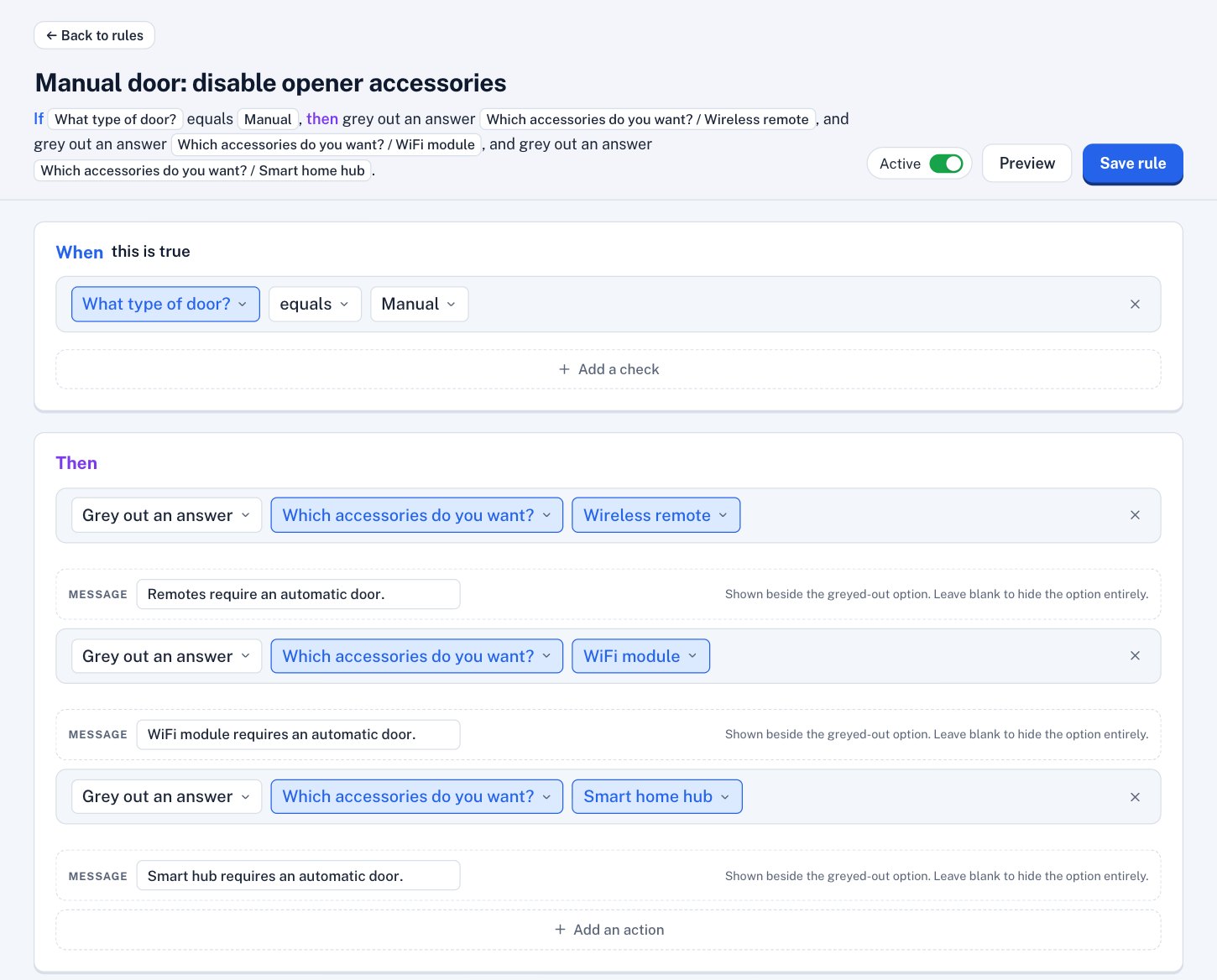
Most of this setup is “this answer adds that part.” The rest is a few rules, each one a sentence: if the door is manual, grey out the remote, WiFi module and smart hub, with a note saying why.
Sell something else? It works the same way.
Cabinets, fencing, signs, sheds, countertops, equipment: if you price from a list of options, we can set it up with your products and prices. Send us your price sheet and we’ll tell you honestly whether it fits.